Reference manager for modern research
A modern, local-first alternative to Zotero. Keep your research papers, notes, and annotations on your own machine — and make them readable by the AI tools you choose.
macOS 14 (Sonoma)+ · Apple Silicon · Free & open source
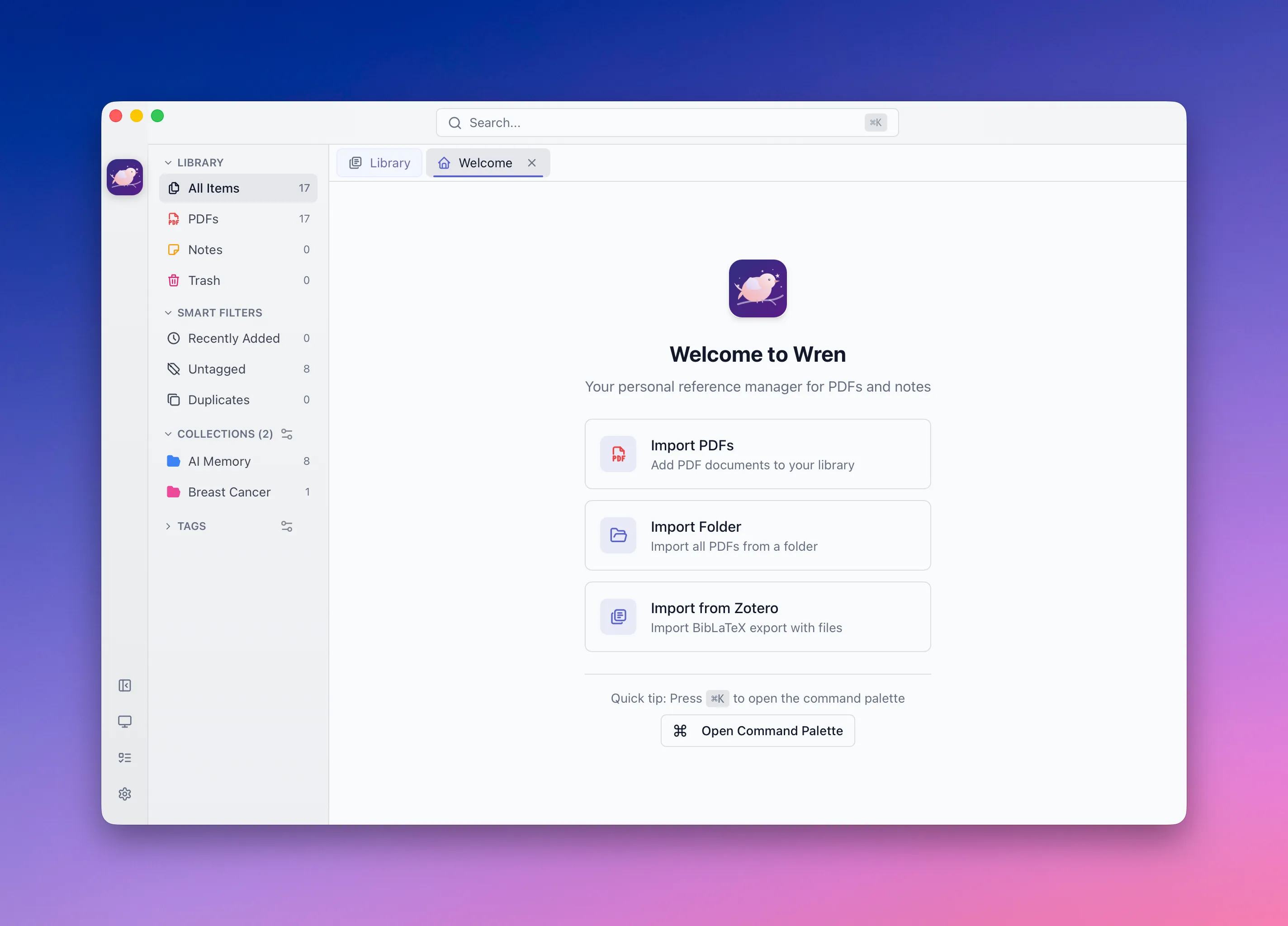
Everything a reference manager should be
Local-first, fast, and built for how researchers actually work.
Your whole library, local
Organize papers the way you already think about them — with a Zotero-style data model that's yours, on disk.
- 40+ item types with proper bibliographic fields and creators
- PDF, EPUB, HTML snapshots, images, and notes as plain files
- Trash, duplicate detection, and bulk actions
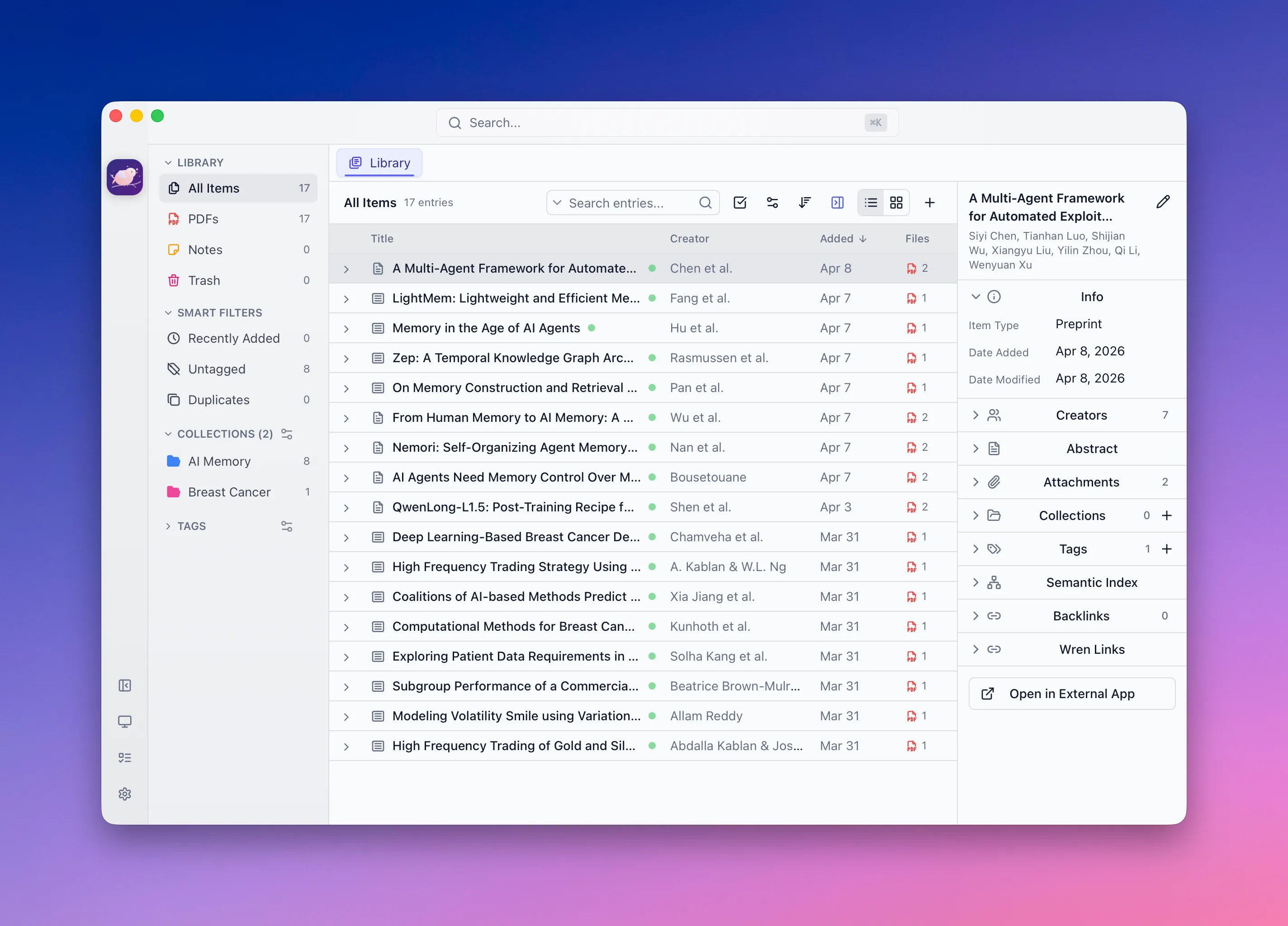
Read & annotate, beautifully
Built-in PDF and EPUB readers with real annotation tools — stored locally without touching your original files, and exportable as a PDF with highlights embedded.
- Highlights, area boxes, free-text notes, drawing, and shapes
- Outline, thumbnails, and in-document search
- EPUB reader with chapters and in-book search
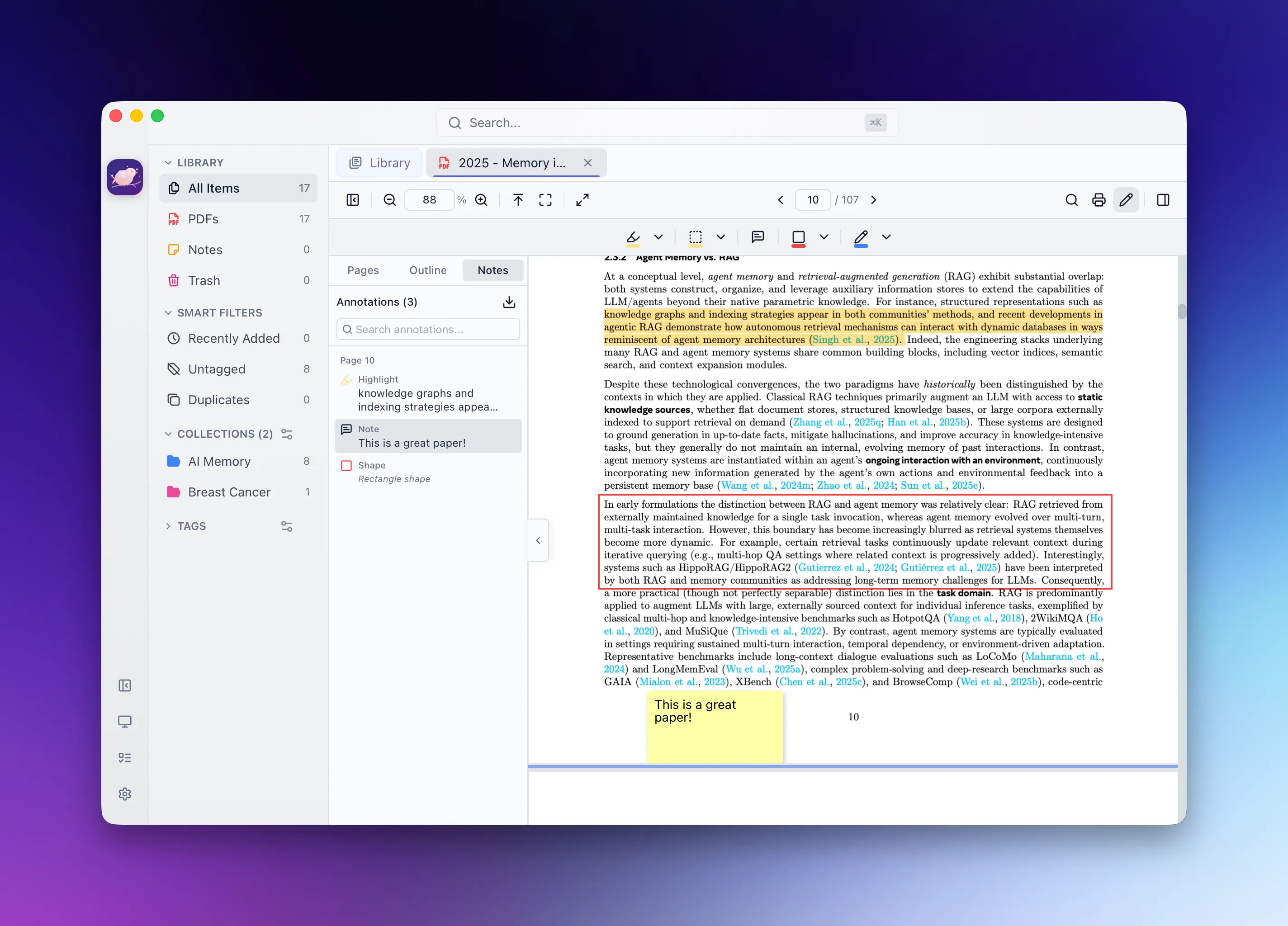
Notes that connect
A Markdown editor with math, code highlighting, and links between everything in your library.
- KaTeX math, Shiki code blocks, and slash commands
- Reference links to entries, tags, and collections
- Anchored comments and automatic backlinks
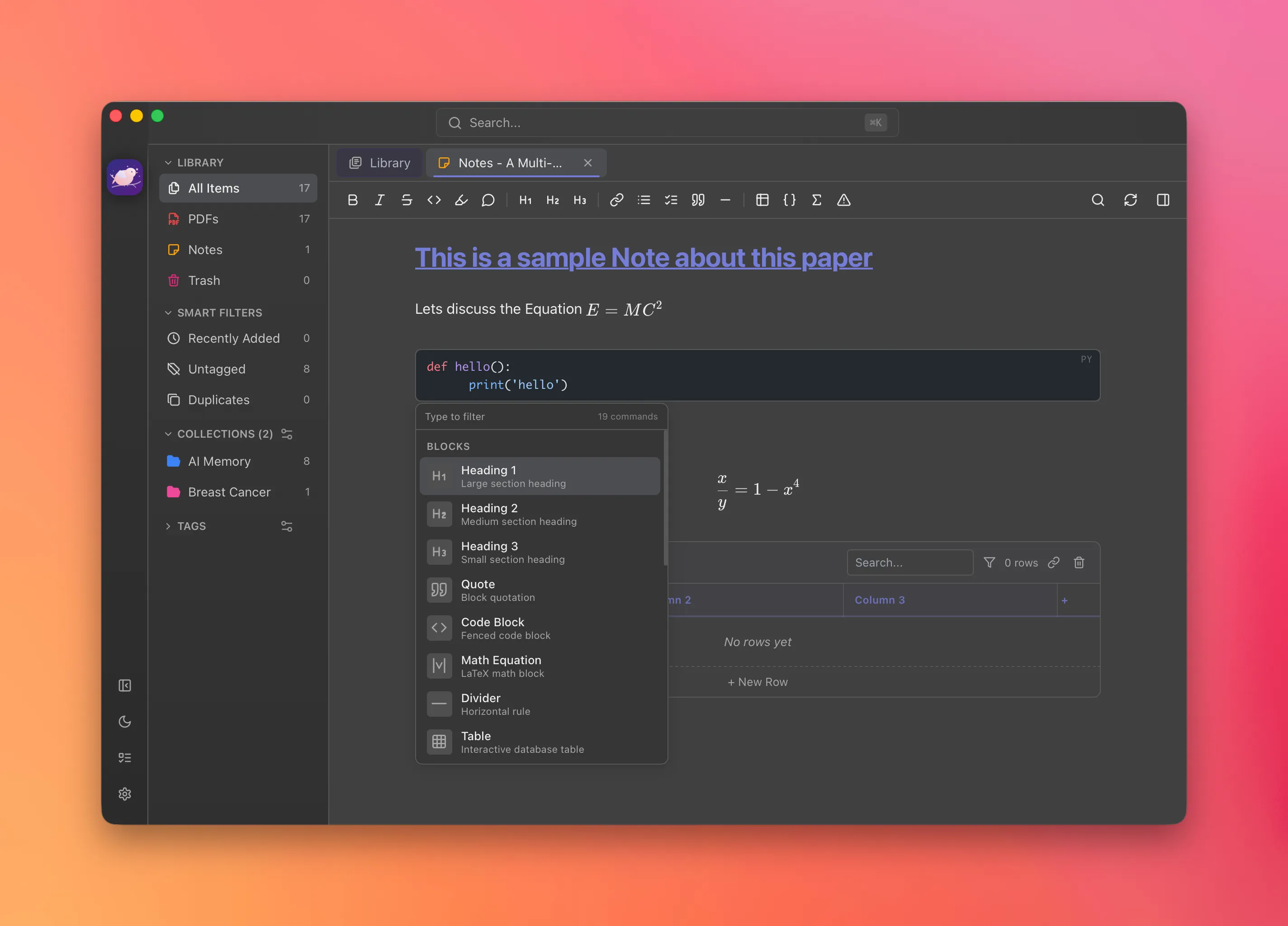
Organize without friction
Collections, tags, and saved smart filters — drag, drop, and always find what you need.
- Hierarchical, colorable collections
- Tags with AND/OR filtering
- Saved smart-filter searches and duplicate detection
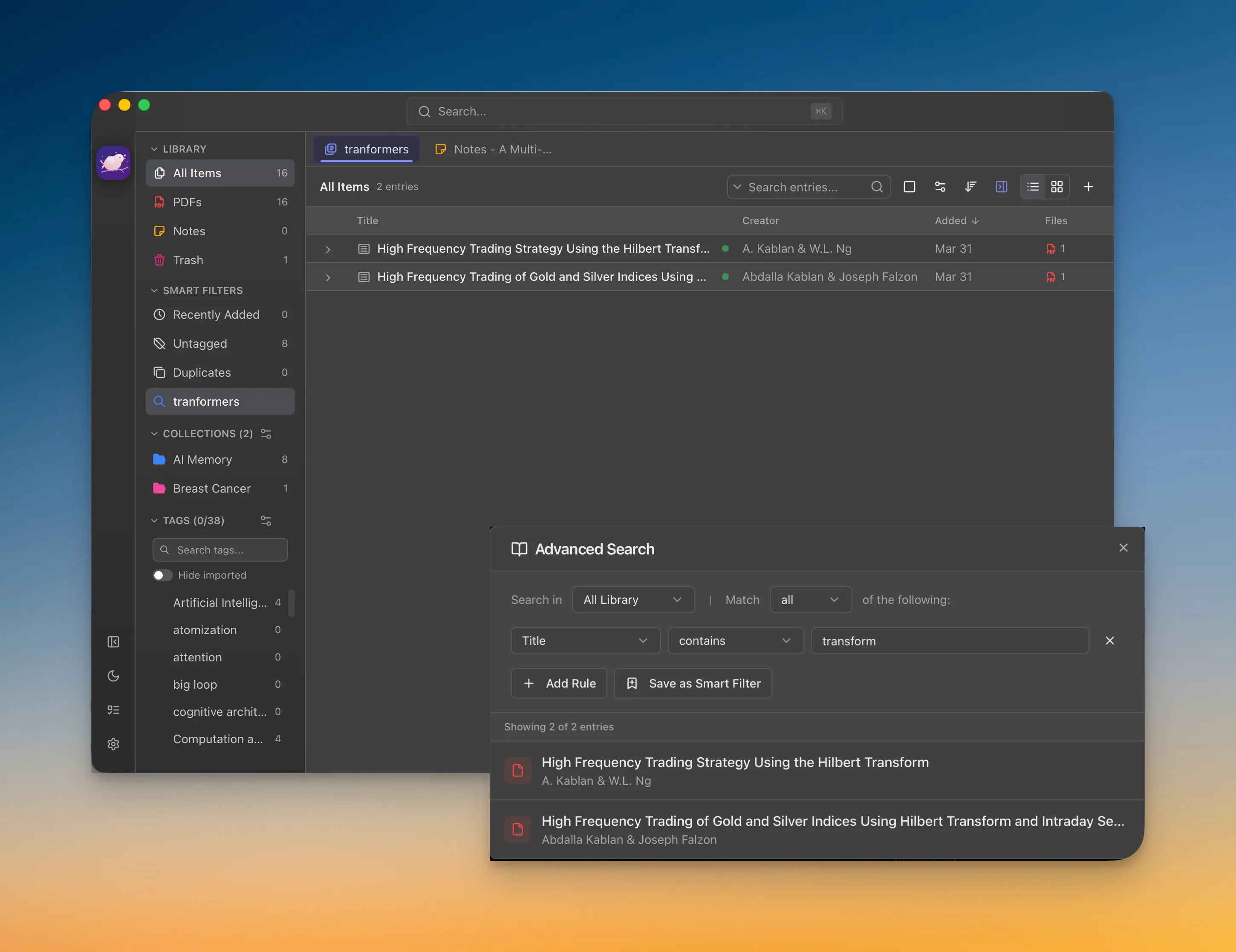
Search that understands
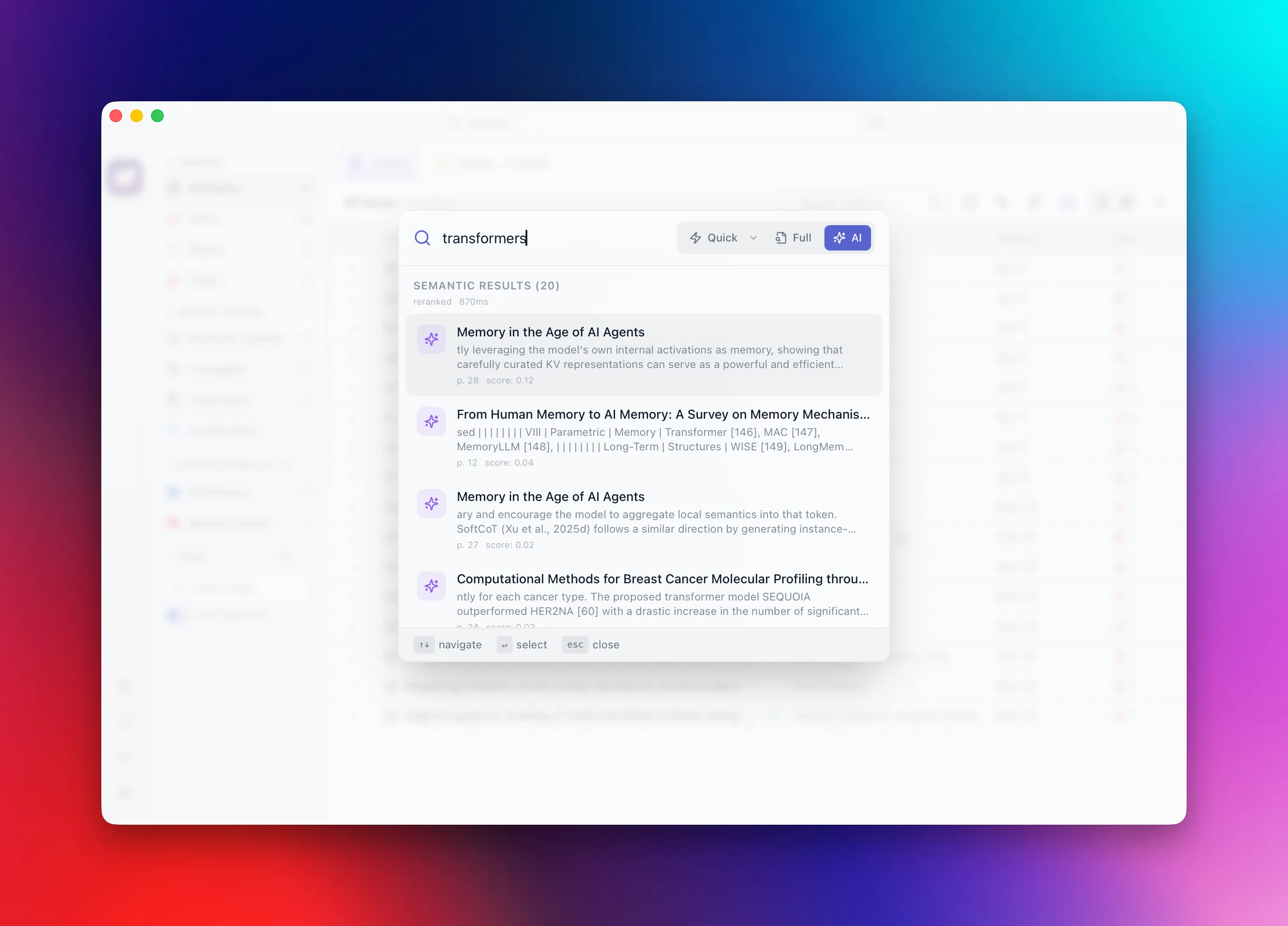
Full-text search across your documents — plus semantic search that finds the right passage by meaning.
- Fast full-text search over extracted content
- Semantic search over embeddings — jump to the source page
- Quick / Full / Semantic modes in the ⌘K command palette
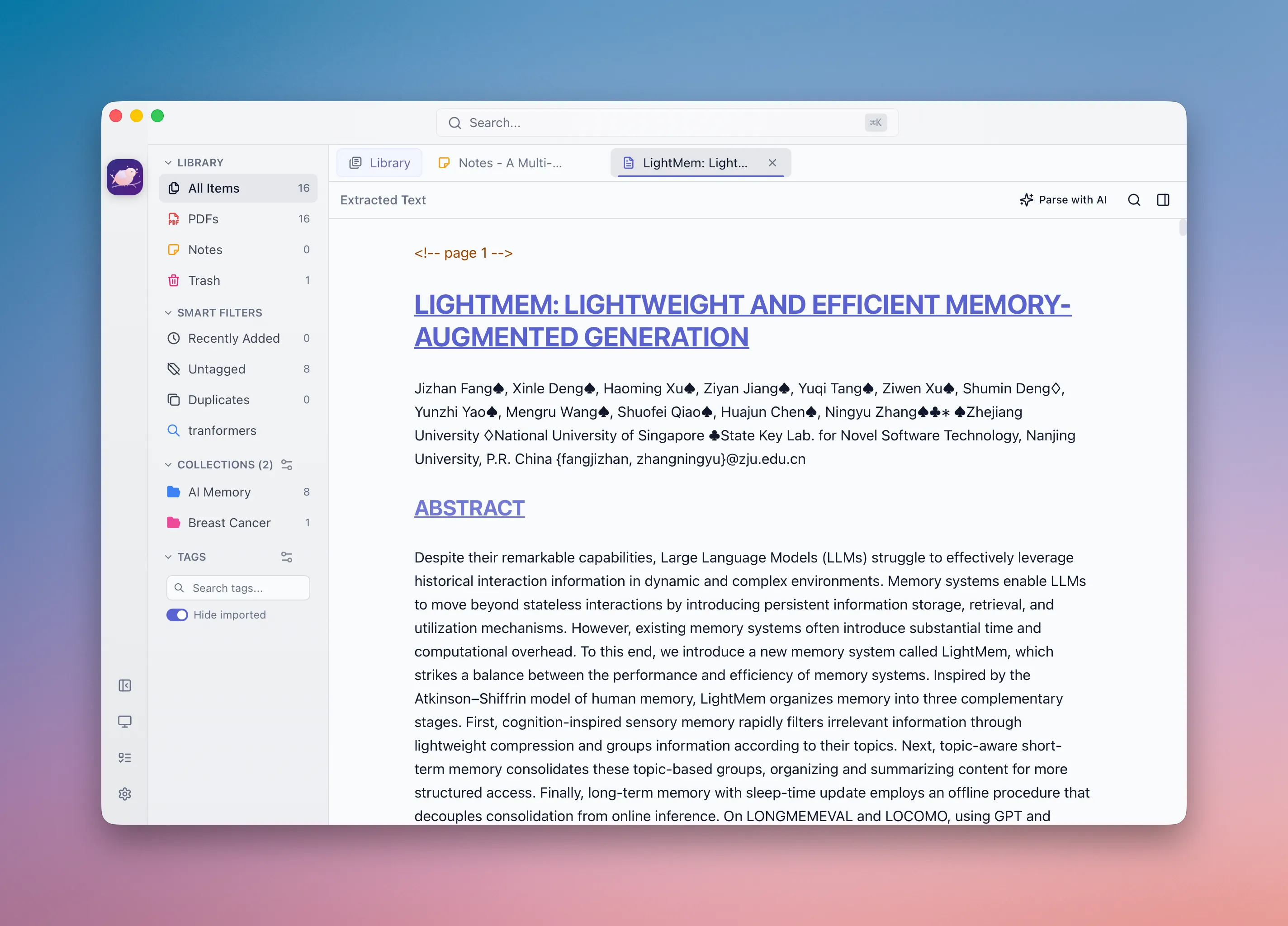
Understands every document
On-device deep-learning layout analysis, OCR, and table extraction turn any PDF — even scanned — into clean, structured text.
- Layout analysis + OCR + table recognition, fully offline
- Handles scanned papers and complex figures
- Clean text powers search and the AI features
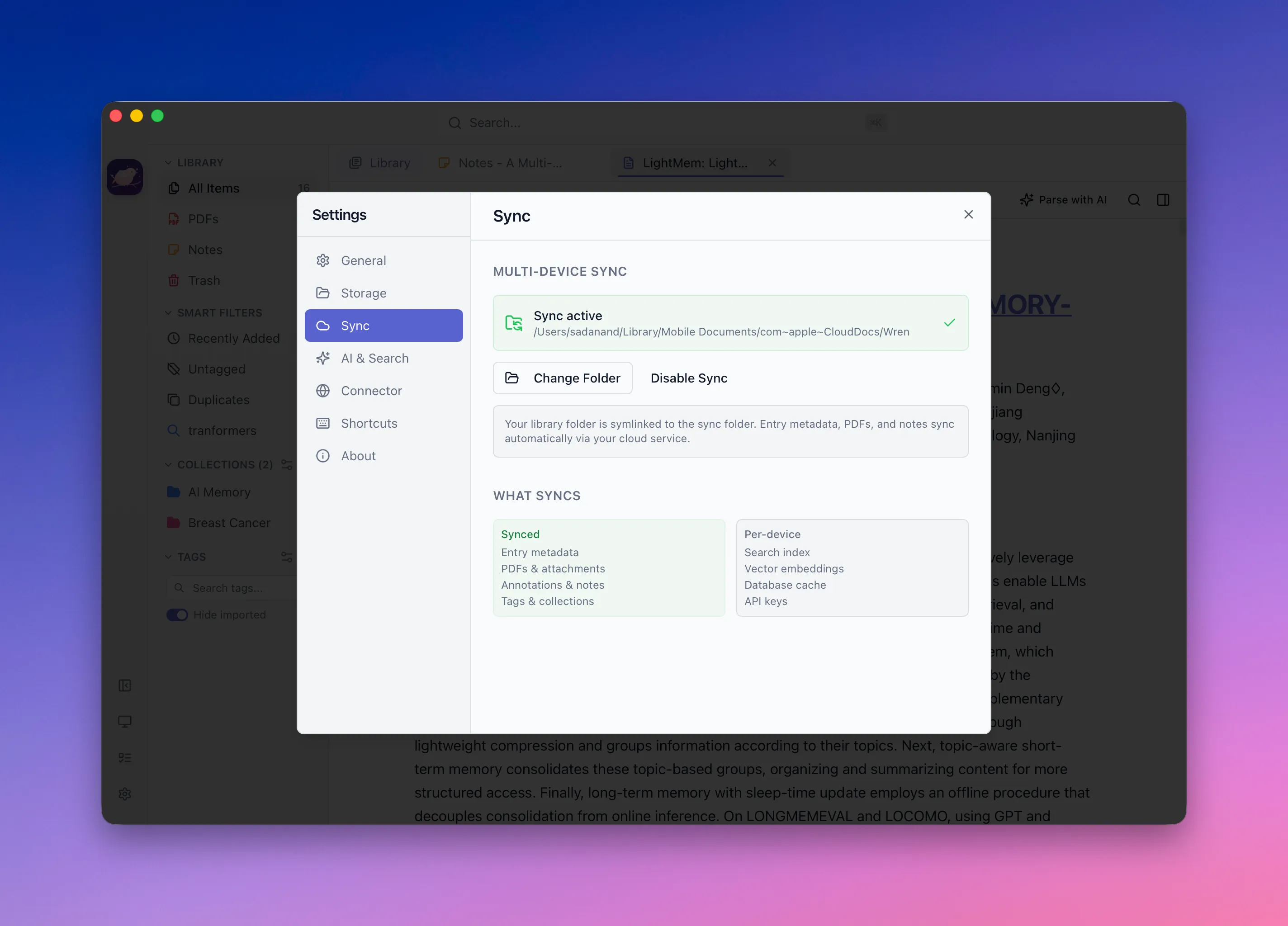
Sync your way
No Wren account, no Wren servers. Point your library at iCloud, Dropbox, or any folder you already sync.
- Bring-your-own iCloud Drive / Dropbox / Google Drive folder
- Metadata, PDFs, notes, tags, and collections travel with it
- Per-device caches and API keys stay local
Save from the web
A browser connector — like Zotero's — to grab papers and pages in one click.
- One-click save of references, PDFs, and snapshots
- Zotero-Connector compatible
- Talks to Wren's local server — no cloud
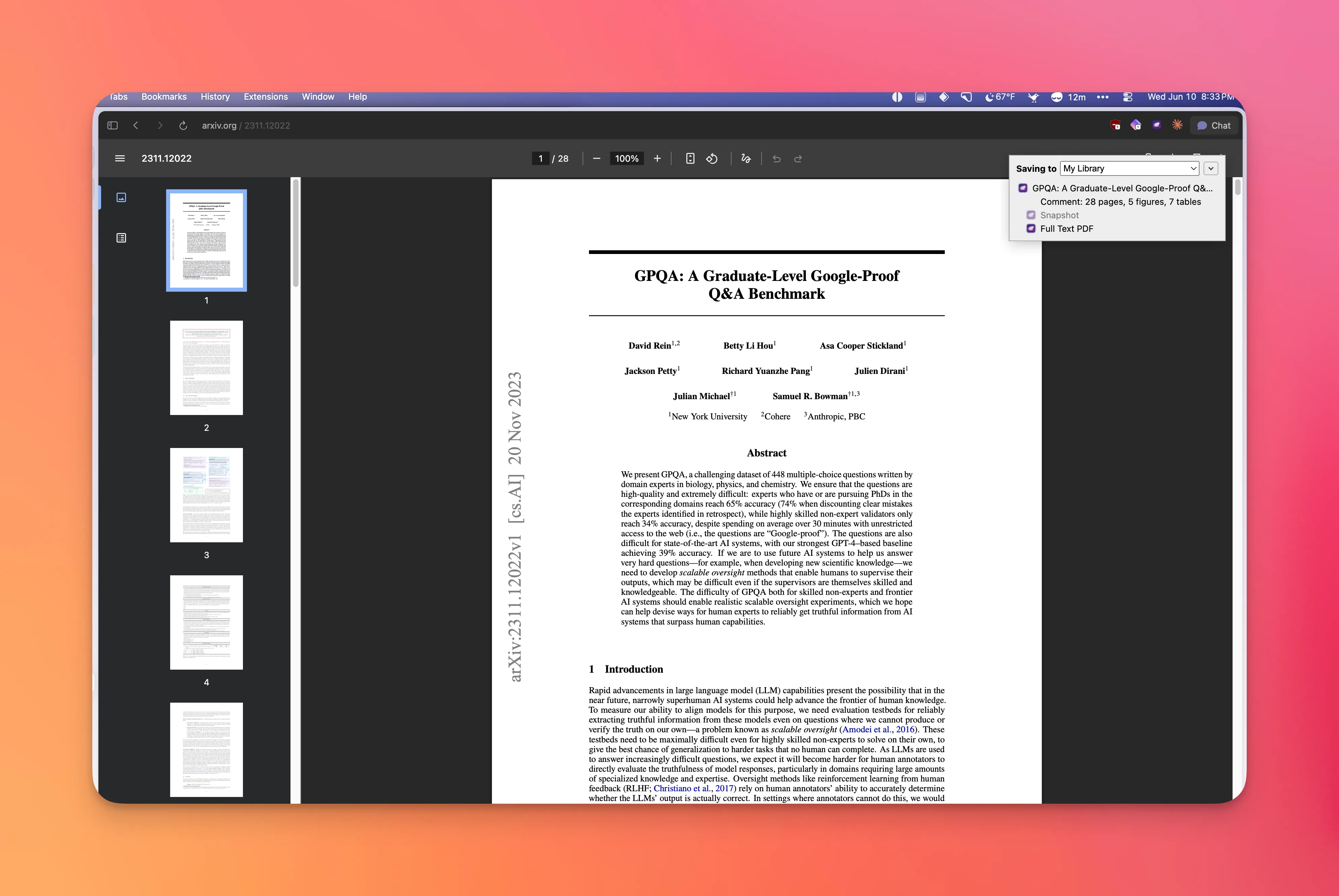
Your library, readable by the AI tools you choose
Wren isn't a walled garden. Your references are open and programmable, so they can feed your own scripts, agents, and AI workflows — on your terms.
- Local REST API to list items, search, and fetch citations
- wren:// deep links to any entry or PDF page
- Structured, clean text extraction for every document
Optional on-device AI
AI metadata extraction, document structuring, and semantic search. Bring your own model — cloud, or fully local with no key.
No chat or tracking — the model enriches your library, and the results stay on disk.
Where Wren is headed
A solid reference manager today; a genuinely AI-native research tool next. Built in the open — contributions welcome.
- Local-first library with Zotero-style items & attachments
- PDF & EPUB readers with annotations
- Markdown notes with backlinks
- Full-text + semantic search
- On-device layout analysis, OCR & table extraction
- BibTeX / BibLaTeX / CSL-JSON & portable archive import/export
- Browser connector, local REST API & wren:// links
- Bring-your-own-model AI — OpenAI, Anthropic, Gemini, Ollama, MLX
Next: an AI-native research layer
Turning your library into a knowledge layer you can actually reason over.
Automatic paper summaries
AI TL;DRs and structured abstracts, kept up to date as you add papers.
Concepts
Extract and index the key concepts across your library; browse and search by concept.
Linked & related papers
Surface connections via citations, shared concepts, and embeddings.
Agreements & disagreements
Find where papers support or contradict each other on a claim — and show both sides.
Knowledge graph (GraphRAG)
A graph of entities, claims, and relations for retrieval that goes beyond flat vector search.
Ask your library
Natural-language questions answered from your own papers, with citations to the source.
Platform & ecosystem
Companion iOS & Android app
Read, annotate, and search on the go, synced with the desktop.
Windows & Linux builds
The core is already cross-platform; native builds are next.
Bundle sharing & P2P sync
Share .wren packs and sync peer-to-peer, end-to-end encrypted.
Get Wren
Free, open source, and yours. Download the Mac app and start building your library.
Wren for Mac
The desktop app. macOS 14 (Sonoma)+ · Apple Silicon.
Download .dmgSigned & notarized · v0.1.0
Windows & Linux are on the roadmap.
Join the conversation
Ask questions, request features, share how you use Wren, and help shape the roadmap. Discussions is where we talk — open an issue when you hit a bug.